How to Use Glitch Text on Discord and Social Media
Glitch text is plain Unicode, so in theory it works anywhere you can type. In practice, every app has its own rules about names, lengths and special characters. This guide covers the main places people use glitch text and how to get it to stick.
The basic method
- Open the glitch text generator (or the Zalgo, cursed or fancy text generator).
- Type your text and choose a style.
- Press Copy.
- In the app, long-press or right-click the text box and choose Paste.
If the result looks wrong or is rejected, the fixes later in this guide usually help.
Discord
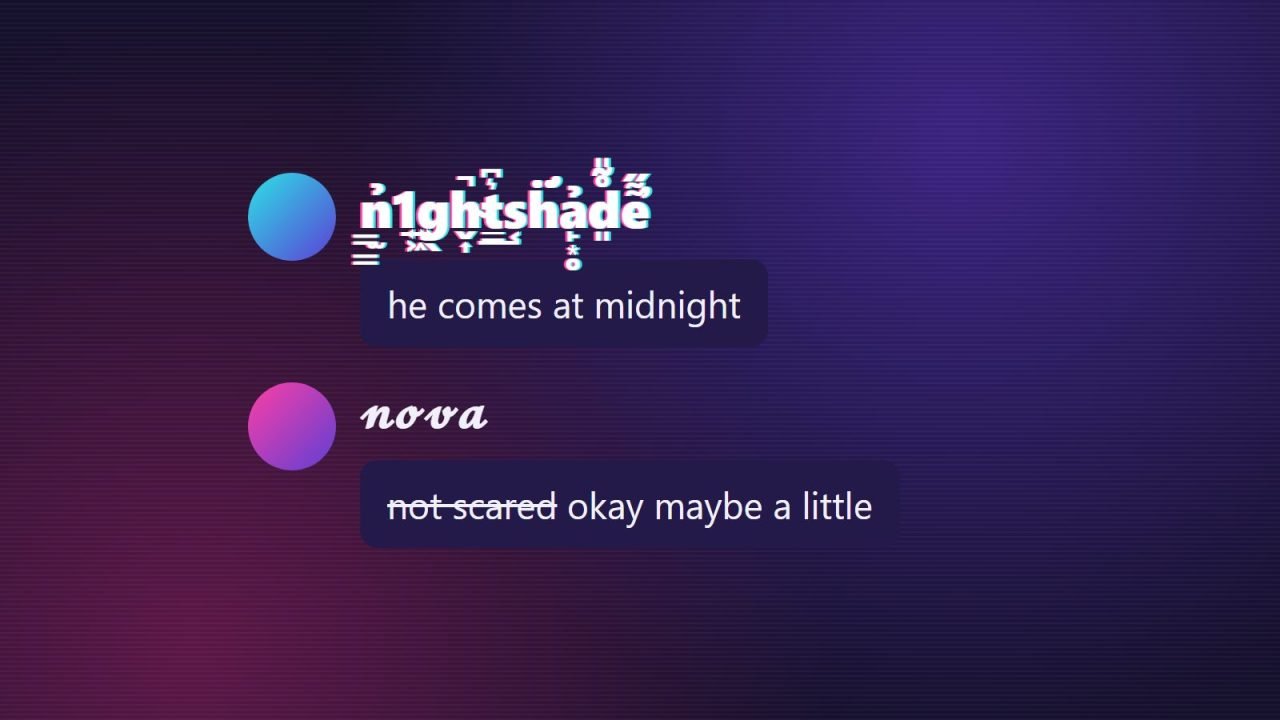
- Messages: glitch text works in messages, and heavy Zalgo will spill over the messages above and below. Use it sparingly in busy channels.
- Display names and server nicknames accept Unicode, so fancy fonts and light glitch text work. Discord display names are limited to 32 characters, and every combining mark counts, so keep glitch names short and light.
- Usernames (the unique handle) are limited to lowercase letters, numbers, periods and underscores, so glitch text cannot be used there.
- Server and channel names often accept fancy letters. Channel names are shown in lowercase, which can change some styles.
Discord also supports Markdown. For a simple strikethrough, type ~~text~~ instead of using Unicode. Some servers use moderation bots that remove or flag heavy Zalgo, so check the server rules.
TikTok and Instagram
- Bios, captions and comments accept fancy fonts and glitch text.
- Usernames are limited to plain letters, numbers, periods and underscores.
- Display names accept many styled characters. Light glitch text works best; heavy marks may be cut off.
- Search: people searching for your name will type plain letters. If your display name is entirely in a fancy font, they may not find you. Keep at least your main name in plain text.
X (Twitter) and Threads
Posts and display names accept glitch text, fancy fonts and upside-down text. Every combining mark counts toward the character limit, so heavy Zalgo uses up your space quickly. A short glitched word in an otherwise normal post is often the most striking choice.
Games
Games vary the most. Some accept any Unicode in names and chat, some allow only plain letters, and many have filters that remove unusual characters. If a game rejects your name:
- Try a lighter glitch or a single fancy-font style.
- Try look-alike letters without marks (the “Look-alikes only” style in the cursed text generator).
- For a blank or minimal name, see how to make an invisible name.
Always follow the game’s naming rules. Names that break them can be reset or lead to a ban.
Fixes when glitch text does not work
| Problem | Likely cause | Fix |
|---|---|---|
| Text is cut off | Character limit | Lower the intensity or shorten the text |
| Marks disappear | The app strips combining marks | Use fancy fonts or cursed look-alikes instead |
| Boxes or question marks | The device lacks a font for some characters | Choose a more common style, such as bold or script |
| Name rejected | The app allows only plain characters | Use glitch text in your bio or display name instead |
Be a good neighbor
Glitch text is fun, but a wall of Zalgo can make a chat unreadable and is hard for people who use screen readers. Use it for names, titles and short messages, and keep important information in plain text. Our guide is glitch text accessible? has more tips.