How to Make an Invisible Name or Blank Message
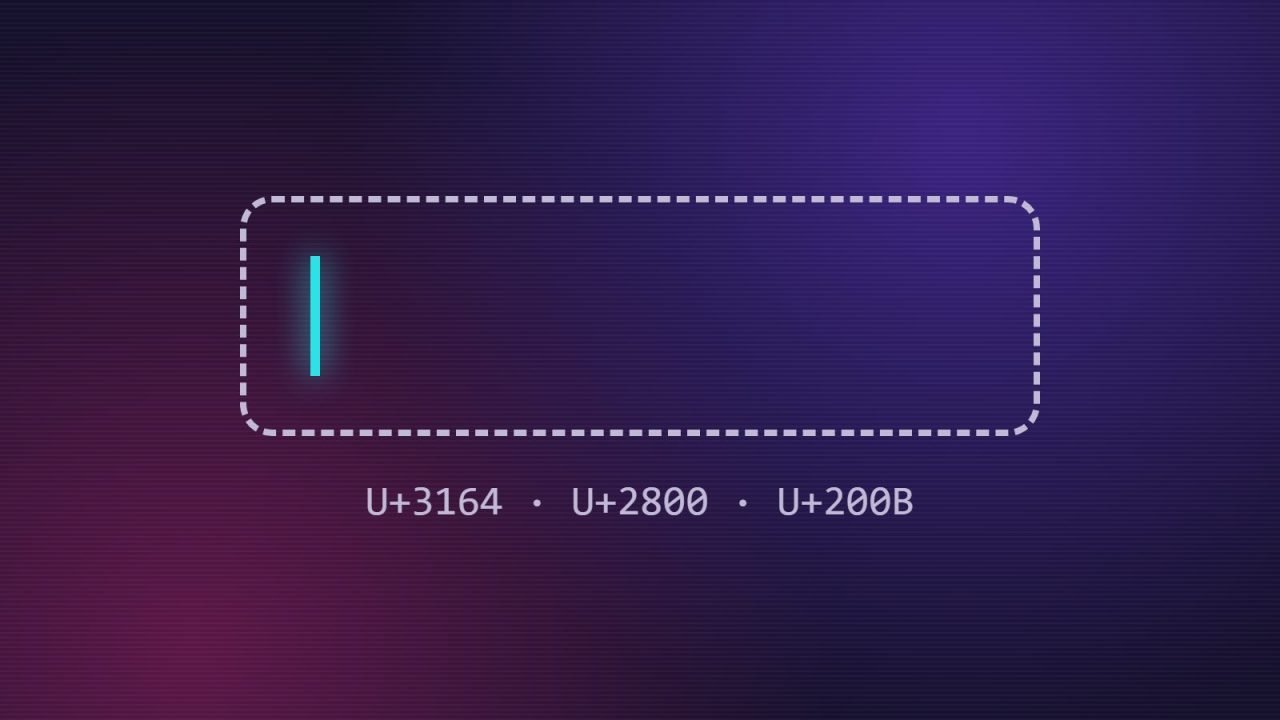
An invisible name or a blank message looks like nothing at all. Behind the scenes, it is made of characters that have no visible shape. This guide explains which characters work, how to use them and why some apps say no. You can copy every character mentioned here from the invisible character page.
Why a normal space does not work
Most apps trim names and messages: they remove spaces from the start and end, then check whether anything is left. A name made only of spaces becomes empty, and the app rejects it. The trick is to use a character that the app counts as real content but that does not draw anything on the screen.
The characters that work most often
| Character | Code | Why it works |
|---|---|---|
| Hangul Filler | U+3164 | A Korean letter with no shape. Apps treat it as a letter, not a space. |
| Braille Pattern Blank | U+2800 | A braille cell with no dots. It looks like a space but is a symbol. |
| Hangul Choseong Filler | U+115F | Another empty Korean character; useful if U+3164 is blocked. |
| Zero Width Space | U+200B | Takes up no room at all, but many apps strip it. |
Step by step
- Go to the invisible character page.
- Press Copy next to Hangul Filler.
- Open the name or message field, delete what is there, and paste.
- Save. If the app says the name is empty or invalid, try Braille Pattern Blank, then the others.
- If the app requires a minimum length, make a longer blank with the “How many” box, or paste the character several times.
Near-invisible alternatives
If no blank character is accepted, a single tiny or unusual character can come close:
- A period or an underscore on its own.
- A single small character from the “Tiny” style in the fancy text generator.
- A blank character followed by one visible letter.
Why some apps and games block blank names
Blank names make it hard to tell players apart, to mention someone or to report abuse. Many platforms now filter invisible characters, and some treat them as a breach of their naming rules. Before you use a blank name:
- Check the game’s or app’s rules. A banned name can be reset, and repeated breaches can lead to penalties.
- Remember that other players may still see a blank name as a box on devices without the right font.
- Never use blank names to hide from moderators or to impersonate anyone.
Removing invisible characters
Hidden characters can also cause trouble by accident: a zero width space copied from a web page can break a password, a search or a spreadsheet formula. If text behaves strangely, paste it into the Zalgo text remover with Remove invisible characters turned on. It shows how many it found.